REVIEW: MSI G2412 , SOLID 1080P GAMING WITHOUT BREAKING THE BANK
⚠ This post contains affiliate links. We may earn a commission if you purchase through them at no extra cost to you.
FTC Disclosure: This post contains affiliate links. When you buy through our links, we may earn a commission at no extra cost to you.
The MSI G2412 has taken the budget gaming monitor space by storm. At $109, it promises 170Hz 1080p IPS gaming without the usual compromises. After three weeks of testing across CS2, Baldur's Gate 3, and Call of Duty, here's whether it lives up to the hype.
Key Specs & Features
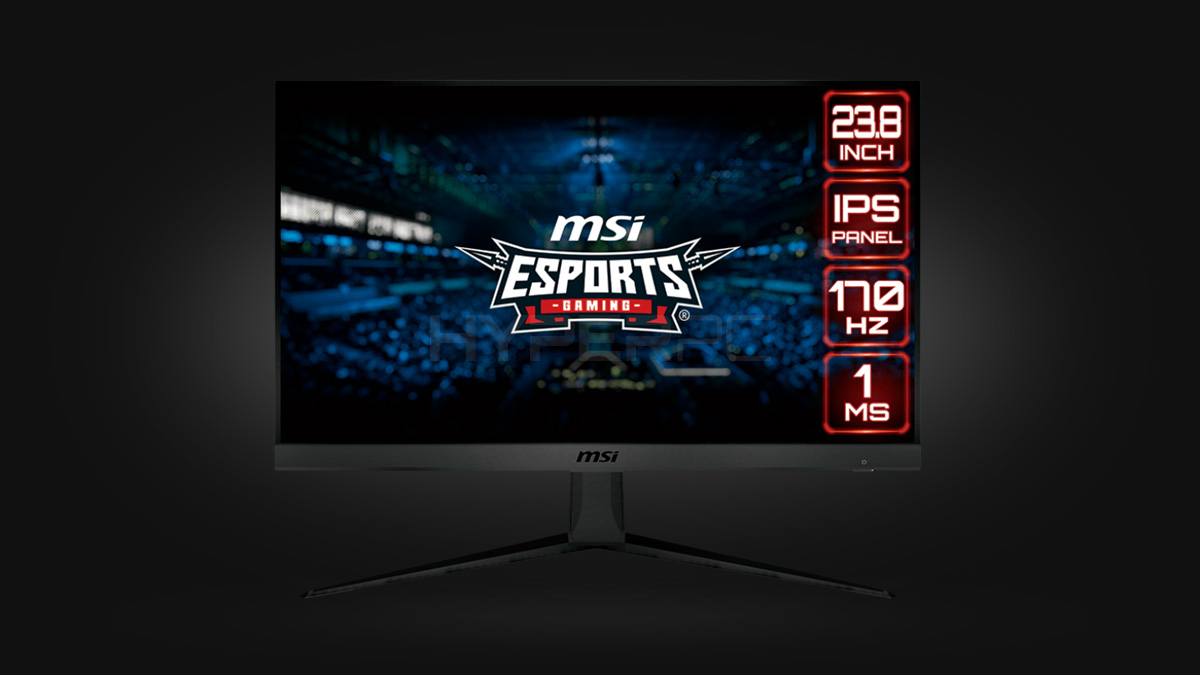
The G2412 packs a 24-inch IPS panel running at 1920x1080 with a native 170Hz refresh rate. Response time hits 1ms (MPRT) with adaptive sync support for both FreeSync and G-Sync Compatible. The monitor covers 113% sRGB and 84% DCI-P3 color space.
Connectivity includes HDMI 2.0, DisplayPort 1.2, and a headphone jack. The stand offers tilt adjustment only, though VESA 100x100 mounting is available. MSI includes their Gaming OSD software for quick settings adjustments.
MSI G2412 GAMING MONITOR
24-inch IPS monitor with 170Hz refresh rate and adaptive sync.
*Affiliate link — we may earn a commission at no extra cost to you.
Hands-On Gaming Experience
The 170Hz refresh rate transforms competitive gaming. CS2 feels incredibly smooth compared to standard 60Hz panels. Screen tearing is virtually eliminated with FreeSync enabled. Motion blur stays minimal even during rapid flick shots.
Color accuracy impresses for the price point. Games like Cyberpunk 2077 and God of War look vibrant without the oversaturation common in cheap TN panels. The IPS technology provides solid viewing angles, though brightness drops noticeably when viewed from extreme angles.
Input lag measures around 4ms, competitive enough for most gamers. Professional esports players might notice the difference compared to high-end 1ms monitors, but casual competitive players won't feel held back.
The stand wobbles slightly during intense gaming sessions. Typing at the desk causes minor vibrations that translate to the screen. This isn't a dealbreaker but might annoy some users.
Setup & Daily Use
Out-of-box calibration is decent but benefits from minor adjustments. Setting brightness to 80% and contrast to 75% provides the best balance between visibility and eye comfort during long sessions.
The Gaming OSD software works reliably once installed. Switching between game modes takes seconds, and the night light feature reduces blue light effectively. Menu navigation through physical buttons feels clunky compared to joystick controls on pricier monitors.
Text clarity at 1080p on a 24-inch panel hits the sweet spot. Programming, web browsing, and document editing remain sharp without scaling issues. The 92 PPI density provides comfortable reading without strain.
Pros & Cons
Pros:
- Excellent value at $109
- True 170Hz performance with smooth gaming
- Good color accuracy for IPS at this price
- FreeSync/G-Sync Compatible works flawlessly
- Decent build quality despite budget pricing
Cons:
- Stand wobbles and offers tilt-only adjustment
- Button-based OSD navigation feels dated
- Brightness could be higher for bright rooms
- No USB ports or advanced connectivity
Verdict: 8.5/10
The MSI G2412 nails the budget gaming monitor formula. It delivers where it matters most: smooth high-refresh gaming with solid image quality. The limitations are minor inconveniences rather than fundamental flaws.
At $109, you won't find better bang for your buck in the gaming monitor space. This monitor makes 170Hz gaming accessible without requiring a second mortgage. If you're gaming on a tight budget or building your first setup, the G2412 deserves serious consideration.
Skip it only if you need 1440p resolution, premium build quality, or extensive stand adjustments. For everyone else, this is the monitor that proves good gaming doesn't require spending big.
Reload complete. Feed your brain.